Smart, Safe, and Compliant Internet for Schools
Protect students and staff with CleanBrowsing’s reliable DNS filtering — built for education, privacy, and compliance.

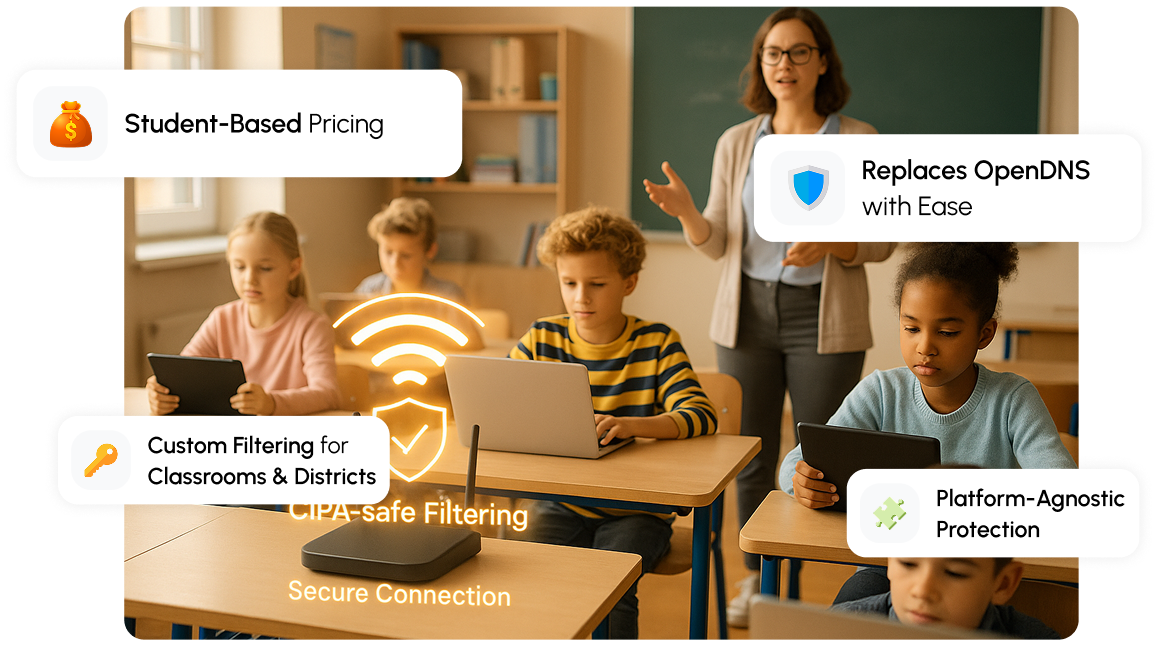
Protect students and staff with CleanBrowsing’s reliable DNS filtering — built for education, privacy, and compliance.




















With students using multiple devices for learning, it’s becoming harder to keep networks secure and classrooms focused without slowing things down.
That’s where CleanBrowsing makes a difference. Our DNS filtering provides a powerful yet simple layer of protection that blocks harmful content, prevents digital distractions, and keeps the learning environment safe and focused. With centralized management, category-based filters, and network-wide control, schools can maintain security and compliance while ensuring smooth internet access for every student and teacher.
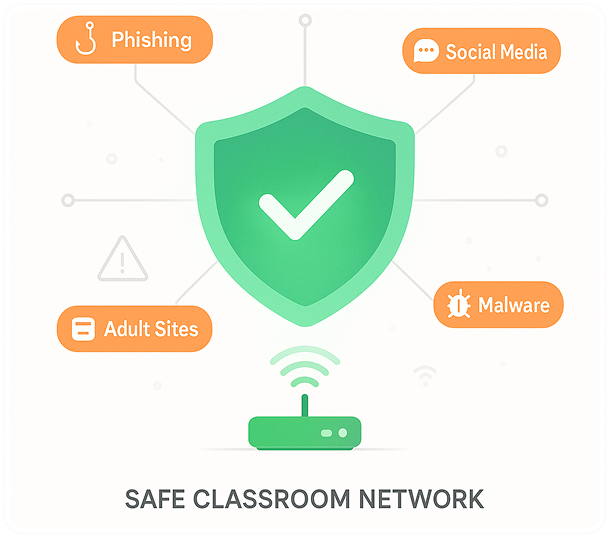
Keeping Children Safe Online, Blocking Porn and Internet Compliance.

Need a custom plan? Email sales@cleanbrowsing.org
Everything you need for safe, reliable, and simple internet protection.
 Advanced Encryption
Protect your network with encrypted DNS protocols — DoH, DoT, and DNSCrypt — all enabled by default for safer browsing.
 Predefined Filters
Instantly apply 19+ ready-made filters to block adult, mixed, or harmful content with just a few clicks.
 Custom Allow / Block
Easily manage access by creating personalized “Allow” or “Block” lists for your network domains.
 Profiles
Group devices and assign custom filtering rules based on each group’s needs (e.g., Teachers vs Students).
 Data Retention
Control how long logs are stored — from privacy-first “no logs” mode to detailed 90-day records.
 Activity Monitoring
Track browsing activity through a simple, modern dashboard with real-time usage insights.
CleanBrowsing, your trusted partner in online safety for kids, has harnessed its extensive global experience collaborating with thousands of educational institutions and conducting in-depth analyses of child safety regulations worldwide. The result? A powerful tool tailored exclusively for school administrators — our user-friendly, preconfigured Categories, finely tuned to enhance your students’ online security.
Take control of your school's network security with CleanBrowsing's cutting-edge DNS solutions. Our meticulously crafted predefined Categories, each represented by one of the nine filters you see here — from 'Pornography’ to ‘Proxy & VPNs' — enable you to create a safer online environment for your students. With the click of a button, you can fine-tune access to suit your school's specific needs, promoting responsible web usage while blocking harmful content and potential threats. CleanBrowsing puts you in the driver's seat, ensuring a secure and productive online experience for your educational community.
CleanBrowsing helps schools meet Children’s Internet Protection Act requirements.

The Children's Internet Protection Act (CIPA) was introduced by the US Congress in 2000 to address concerns regarding children's exposure to explicit or harmful online content, particularly pornography.
CIPA places obligations on educational institutions and public libraries that receive discounts for their internet access or internal network connections through the E-rate program, which aims to make communication services and products more affordable for eligible schools and libraries. The most recent updates to this legislation were enacted in 2011.
CleanBrowsing offers protective measures that restrict or filter internet access to content that fall under the following categories: (a) explicit content, (b) child pornography, or (c) content that is deemed harmful to minors, specifically for computers used by students. This aligns with a specific requirement of CIPA, which is intended to ensure a secure online environment for students.
CleanBrowsing also serves the purpose of monitoring the online activities of minors, fulfilling another CIPA stipulation.
We support schools of all sizes. If you need more info, direct inquiries to sales@cleanbrowsing.org.
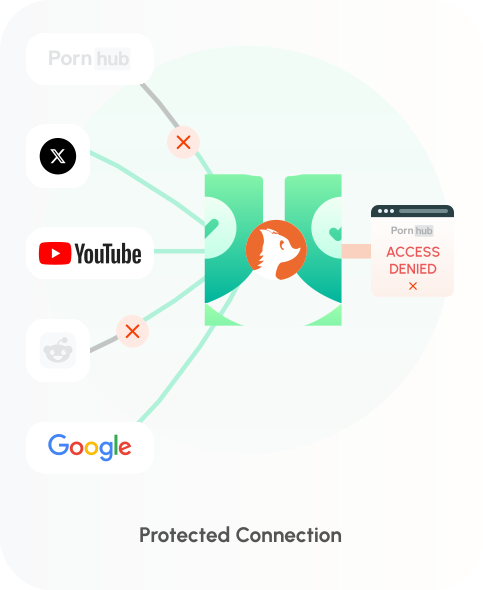
While HIPAA does not prescribe specific DNS products, schools must protect the confidentiality, integrity, and availability of systems handling ePHI. CleanBrowsing helps you meet these technical safeguards with a lightweight, privacy-first approach.
DNS-over-HTTPS (DoH) and DNS-over-TLS (DoT) to prevent interception/tampering.
Role-based admin access and configuration-change logging for accountability.
Global Anycast network with optional dedicated deployments for high availability.
Flexible options from no-logs to 7 days of query logs by default.
Seamless integration with Trunc (HIPAA-ready SIEM) for extended retention and advanced reporting.
We can execute a BAA upon request.
Covering take-home devices? Push our encrypted endpoints via your MDM so filtering and compliance travel with the device on or off campus.
| Requirement | Support | HIPAA |
|---|---|---|
| Encryption in Transit | DoH / DoT | 164.312(e)(1) |
| Auditability | Admin activity & query visibility (7-day default) | 164.312(b) |
| Access Control | Role-based admin permissions | 164.312(a)(1) |
| Availability | Anycast deployments | 164.308(a)(7)(ii)(C) |
| BAA | Available for covered entities & business associates | 164.308(b)(1) |
Responsible for managing networks for your customers? The CleanBrowsing Partner Program might be exactly what you’re looking for. It offers the same great benefits as our core plans, plus a centralized management console designed for MSPs.
Starting at just $10/month per customer account.
 partners@cleanbrowsing.org
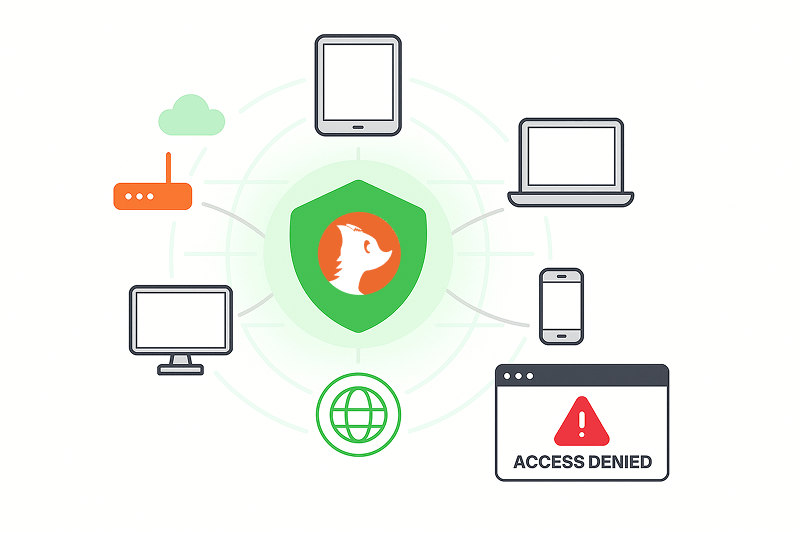
Schools have complex networks and need to be able to support multiple devices and operating systems.
Whether it's sales or support, the best way to reach us is by email.
support@cleanbrowsing.org
