CleanBrowsing vs NextDNS
NextDNS offers privacy-focused DNS filtering with a generous free tier. See how CleanBrowsing compares on content categories, pricing, and SafeSearch enforcement.

NextDNS offers privacy-focused DNS filtering with a generous free tier. See how CleanBrowsing compares on content categories, pricing, and SafeSearch enforcement.
CleanBrowsing and NextDNS are both DNS-based filtering services, but they are built for different audiences and take different approaches to content filtering.
CleanBrowsing is a DNS-based content filtering service that processes over 355 billion requests per month across 70+ data centers worldwide. It protects more than 4.5 million devices and is designed for families, schools, and businesses that need straightforward, policy-driven filtering with minimal configuration.
NextDNS positions itself as a "firewall for the modern internet," with a strong emphasis on privacy, ad blocking, and tracker blocking. It operates across 132 locations, processes over 100 billion queries per month, and appeals primarily to consumers and tech enthusiasts who want granular, hands-on control over their DNS filtering configuration.
For those unable to purchase a subscription, CleanBrowsing does offer a free forever filtering service that can be deployed on any device that uses DNS. It is a fast, privacy-first, network that is designed to help parents and institutions create safe browsing experiences for kids and families.
No signup required. No credit card required. No tracking on our end.
 Start Using Free Filters

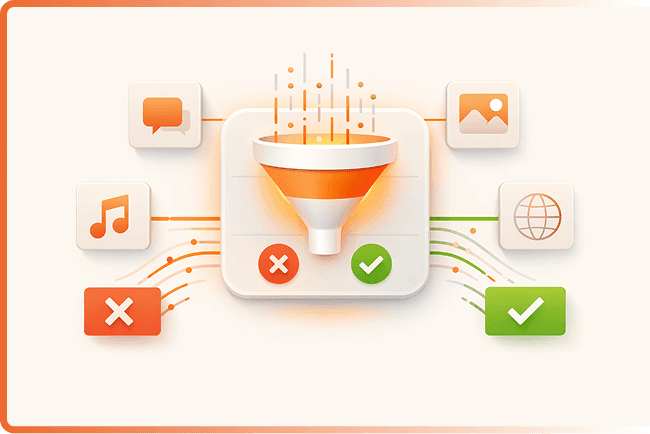
CleanBrowsing provides 21+ predefined content categories that can be enabled or disabled with a single click. This makes it simple for administrators to deploy consistent filtering policies across networks without needing deep technical knowledge.
NextDNS takes a different approach, relying on manually configured blocklists. Users can add community blocklists or create custom deny/allow lists to build their filtering profile. This offers more granular control, but requires more technical effort to set up and maintain effectively.
For organizations that need quick deployment and broad category-based filtering, CleanBrowsing's approach is more practical. For individual users who want to hand-pick exactly which blocklists to use, NextDNS offers that flexibility.
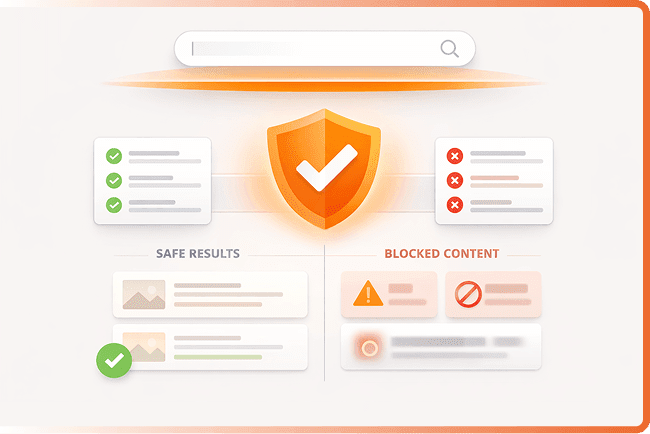
CleanBrowsing enforces SafeSearch across five major search engines and platforms: Google, Bing, Yandex, DuckDuckGo, and YouTube. This ensures that explicit content is filtered out of search results regardless of which search engine users prefer.
NextDNS supports SafeSearch enforcement on Google, Bing, and YouTube. While this covers the most commonly used platforms, it does not extend to Yandex or DuckDuckGo.
For schools, libraries, and families where users may access a variety of search engines, CleanBrowsing's broader SafeSearch coverage provides a more complete layer of protection.
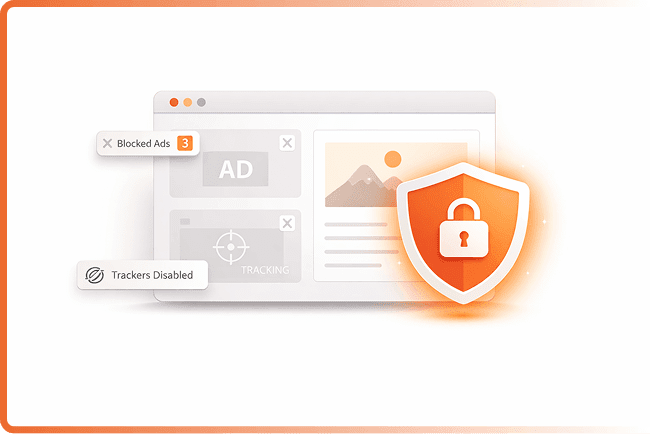
NextDNS places a strong emphasis on privacy and ad/tracker blocking. It offers a wide selection of curated blocklists specifically targeting ads, trackers, and telemetry domains. For users whose primary concern is reducing ads and tracking across their devices, NextDNS may be a better fit.
CleanBrowsing focuses primarily on content filtering -- blocking access to inappropriate or harmful content categories such as adult material, gambling, malware, and phishing domains. While it does provide some level of ad and tracker blocking, its core strength is in network-wide content policy enforcement.
If your primary goal is ad blocking and tracker prevention, NextDNS is purpose-built for that. If your primary goal is content filtering and safe browsing enforcement across a network, CleanBrowsing is the stronger choice.
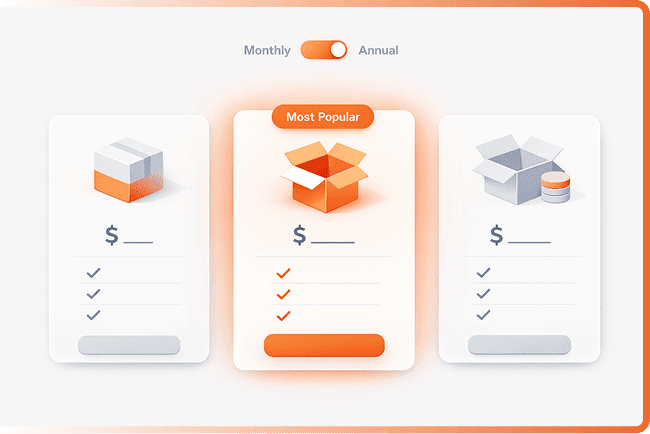
NextDNS Pro is priced at approximately $19.90 per year for an individual subscription. This removes the query limit on the free tier and unlocks full configuration options. It is aimed at individual users and families.
CleanBrowsing Basic starts at $75 per year for one home network with up to 25 devices and includes all 21+ content categories, SafeSearch enforcement, DNS encryption, and roaming clients. The Pro-50 plan is $150 per year for up to 50 devices.
For individual users looking for a low-cost privacy and ad-blocking tool, NextDNS offers a competitive price point. For organizations, schools, and families that need comprehensive content filtering with all features included, CleanBrowsing's device-based pricing with no feature gating is more straightforward and predictable.
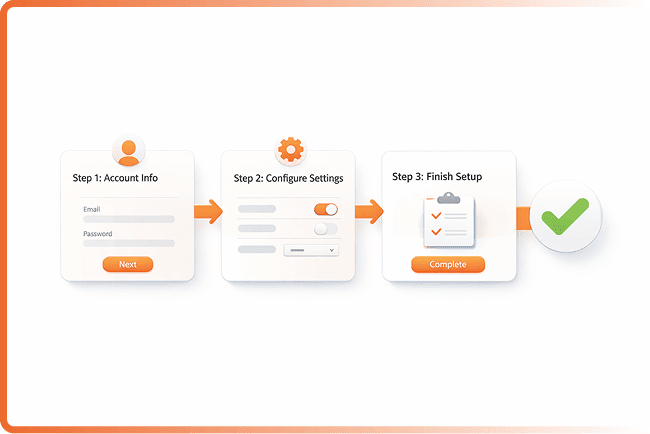
CleanBrowsing's free tier requires zero signup. Users simply change their DNS settings to CleanBrowsing's public resolver addresses and filtering is active immediately. There is no account creation, no query limits, and no credit card required.
NextDNS also offers a free tier, but it is capped at 300,000 queries per month. Once that limit is reached, NextDNS stops filtering and resolves queries without any blocking until the next month. Users must create an account to get started.
For users who want the simplest possible path to filtered DNS, CleanBrowsing's no-signup, no-limit free tier is the fastest way to get started.

Responsible for managing networks for your customers? The CleanBrowsing partner program might be what you're looking for. Offers the same benefits as the plans above, but includes a centralized management console.
*Starts at $750 / year for 10 customer accounts
 partners@cleanbrowsing.org
Last updated: March 18, 2026